Work
XR
·
2025 - 2026
Code Blue Sim
Code Blue SIM is an Apple Vision Pro medical training platform developed by our cross-functional team. It combines guided tutorials, hands-on spatial interactions, real-time feedback, and multiplayer simulation to help healthcare trainees practise cardiac-arrest response more flexibly and repeatedly, with less reliance on specialized facilities, expensive equipment, and continuous instructor guidance.
Role
Product Designer and XR Developer
Credits
2 designers, 2 engineers, clinical and academic advisors
Next project
FoundType

Problem
A Code Blue is the hospital response when a patient’s heart or breathing stops. Teams must assess the patient, perform CPR, manage the airway, monitor vital signs, and use a defibrillator within minutes. Traditional training requires simulation labs, medical manikins, instructors, and coordinated schedules, making frequent practice expensive and difficult to scale.
Outcome
Reduced facilitator prompts by 80%
Our team developed a portable Apple Vision Pro training platform for repeated cardiac arrest practice. I designed and built Tutorial Mode and Bystander Mode, helping first time trainees understand complex procedures through progressive visual, audio, and spatial guidance. The redesign also reduced guided task time by 40%.
Product Overview
How I got there?
Design Process
Opportunity
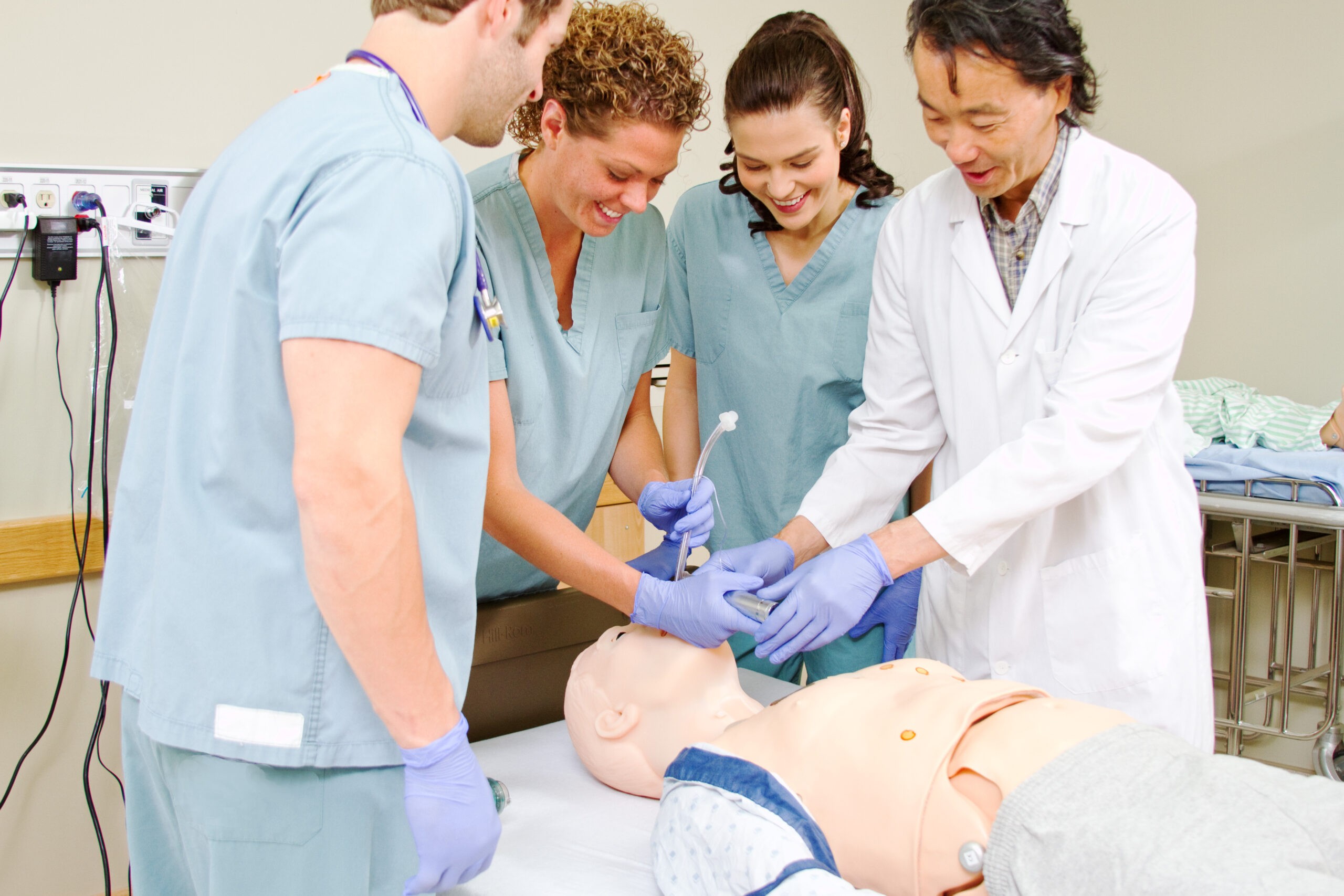
Code Blue skills require repetition, but access to simulation labs, medical equipment, and instructors is limited. Apple Vision Pro created an opportunity to make practice more portable, repeatable, and available outside a dedicated training facility. However, portable hardware alone was not enough. Early users still depended on facilitators to explain where to begin, what to do next, and whether an action was correct. This revealed an opportunity to move essential instruction into the experience itself.

How Might We
help first time trainees understand what to do, where to act, and how to improve without continuous facilitator guidance?
Define the Product
1. Make Every Step Clear
Show one action at a time and make the correct sequence visible, so learners always understand what to do next.
2. Connect Guidance to Space
Attach instructions to the patient, tool, or physical location they describe, so learners know exactly where to act.
3. Make Feedback Actionable
Replace pass or fail messages with immediate corrections that help learners improve during the action.


Design System
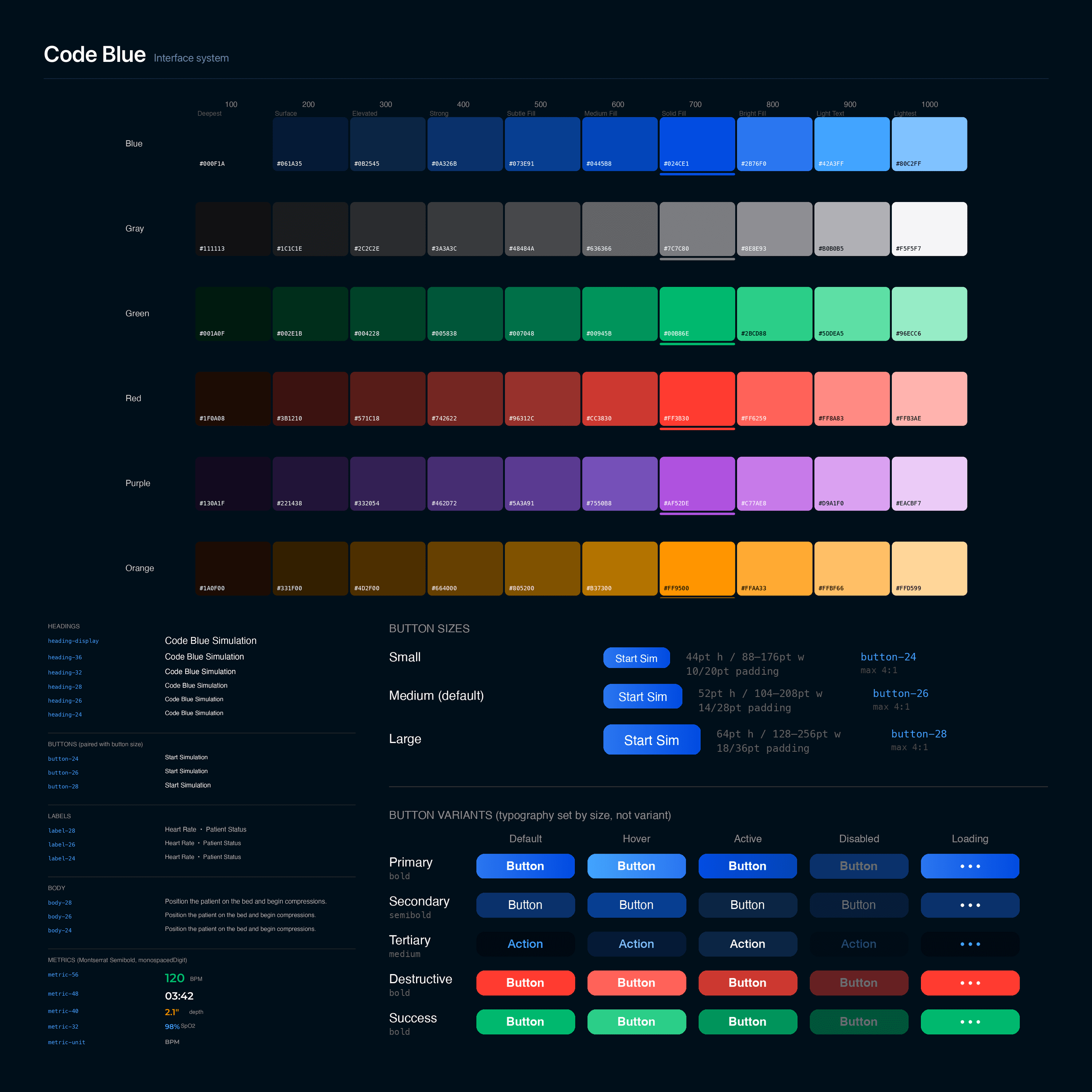
I created two token based design systems: one for interface components and one for spatial guidance. Shared rules for color, typography, states, and scale kept the experience consistent and gave AI coding tools clear implementation guidance. The spatial system translated each learning state into reusable targets, paths, and feedback cues, helping trainees understand where to act and how to correct themselves. This consistency was a key contributor to faster completion and fewer facilitator prompts.

After launch
Test & Feedback
Observing First Time Trainees
I observed how first time trainees moved through the tutorial and recorded task time, facilitator prompts, independent completion, and the steps where users stopped or asked for help. This showed whether the product was teaching the procedure or simply displaying instructions.
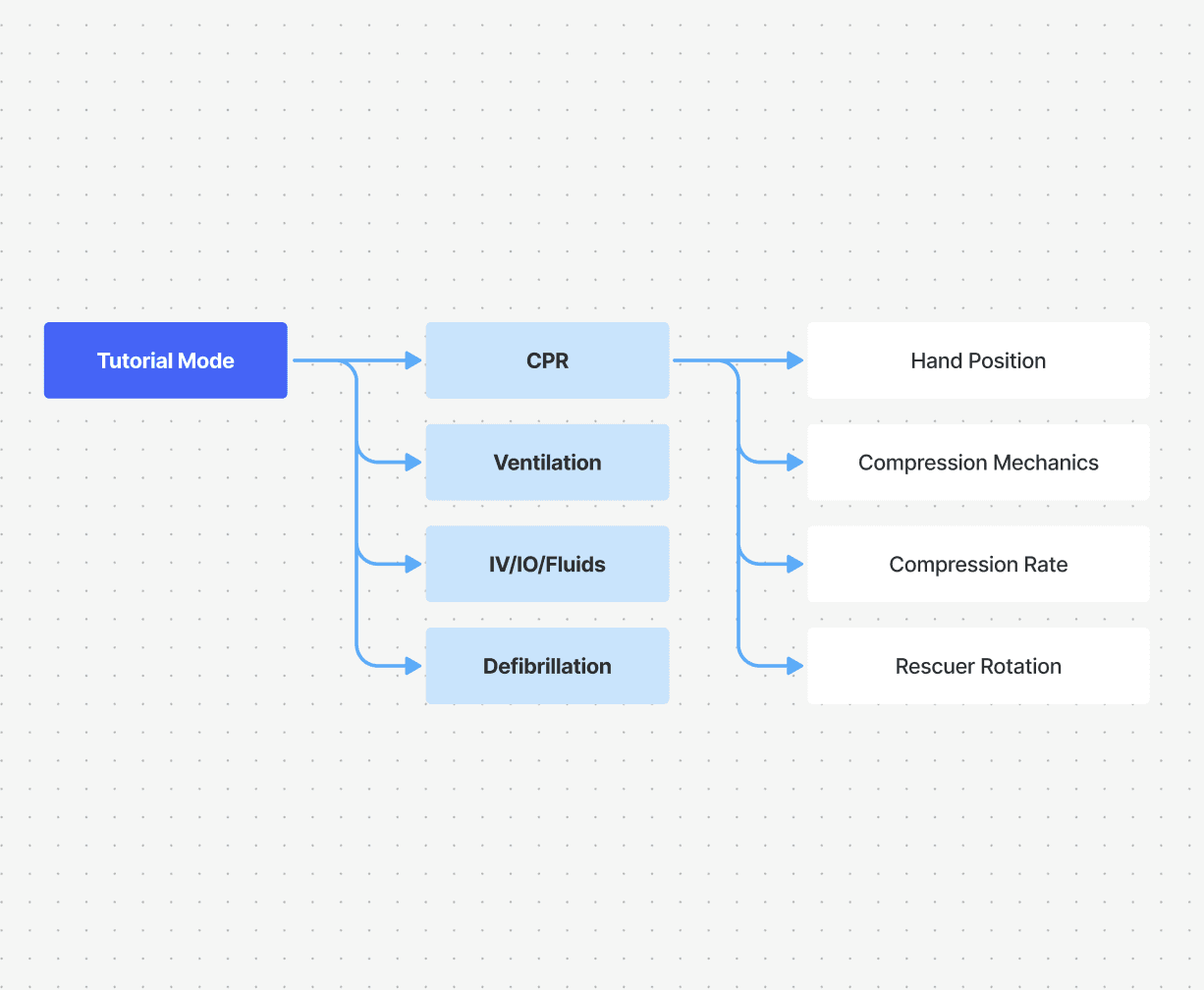
Enter Tutorial > Select Procedure > Follow Guidance > Perform Action > Correct Error > Complete Independently

Turning Confusion into Independence
Testing showed that learners were not struggling with motivation. They were missing three things: the next action, its location in space, and a clear way to correct mistakes. I focused the redesign on the two moments that created the most facilitator dependence.
01 Make the Next Step Impossible to Miss
Before
Instructions were divided across three windows, so trainees lost track of the current step and waited for facilitator direction.
After
I consolidated the experience into one guided flow that presents one action at a time and advances with the learner.


02 Turn Instructions into Immersive Practice
Before
Trainees learned through flat instructional slides, separating information from the patient, tools, and actions they needed to understand.
After
Trainees learn inside the scene by watching animated 3D demonstrations, practising each action directly, and receiving real time feedback as they perform.


Outcome
Facilitator prompts decreased by 80%
Prompts per session